Automatic crop and white background
Automatic square cropping and white-background replacement. No sliders or manual retouching.
Automatic square cropping and white-background replacement. Review dimensions, framing and file size before a paid JPEG export.
Free preview. $1.99 per JPEG export. No subscription.


iPhone: iOS 17+ · Android: 8.0+
U.S. store pricing. Your store shows the local price.
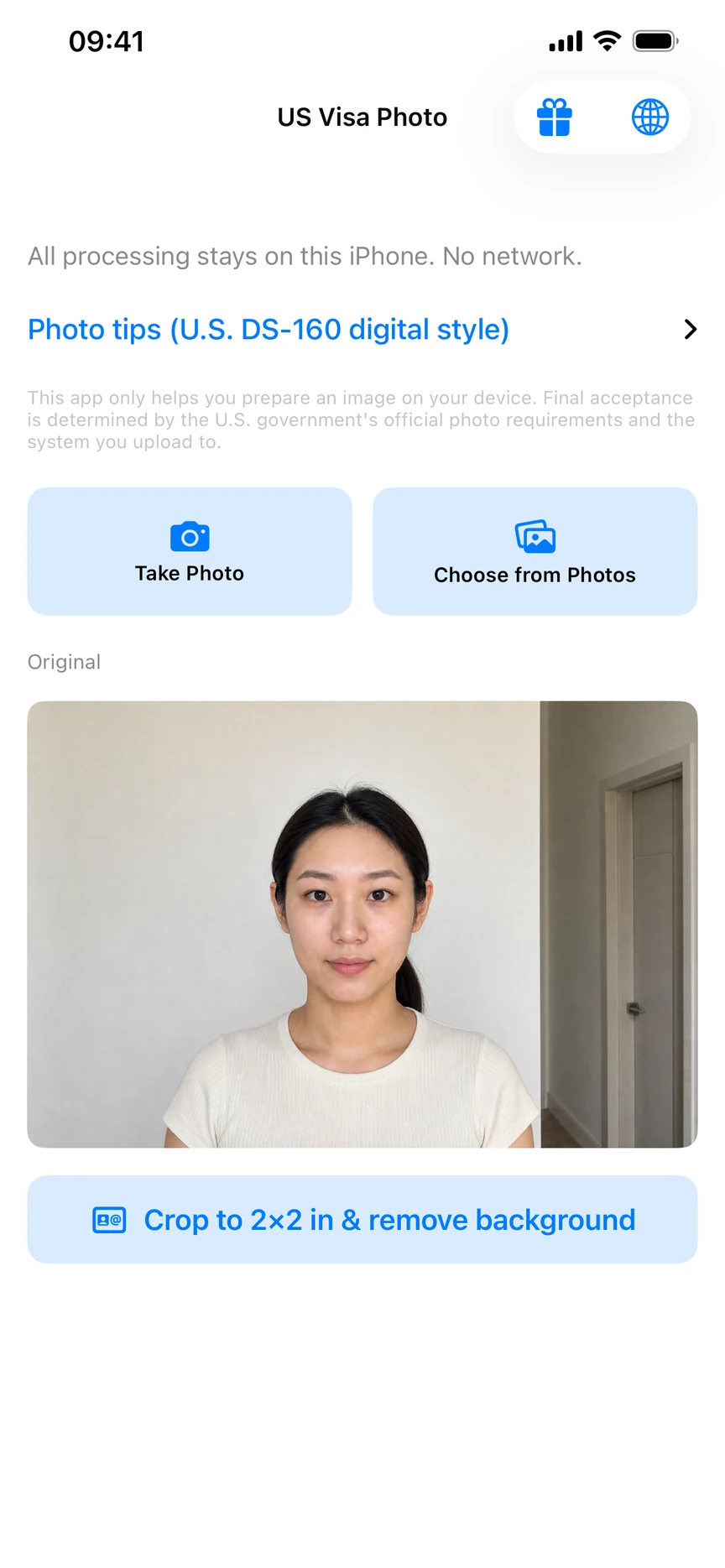
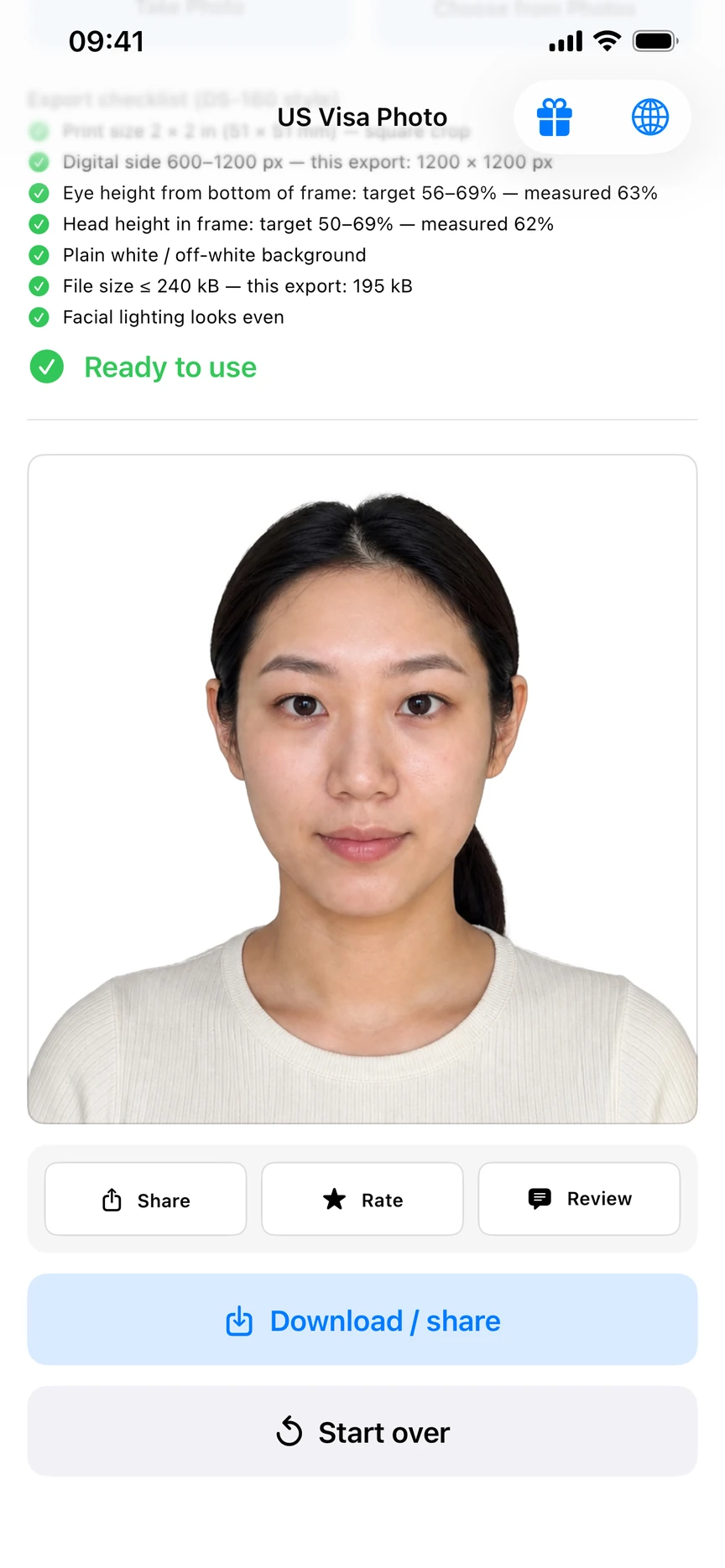
iPhone interface shown. Available on both stores.
AUTOMATIC PHOTO PROCESSING
Automatic square cropping and white-background replacement. No sliders or manual retouching.
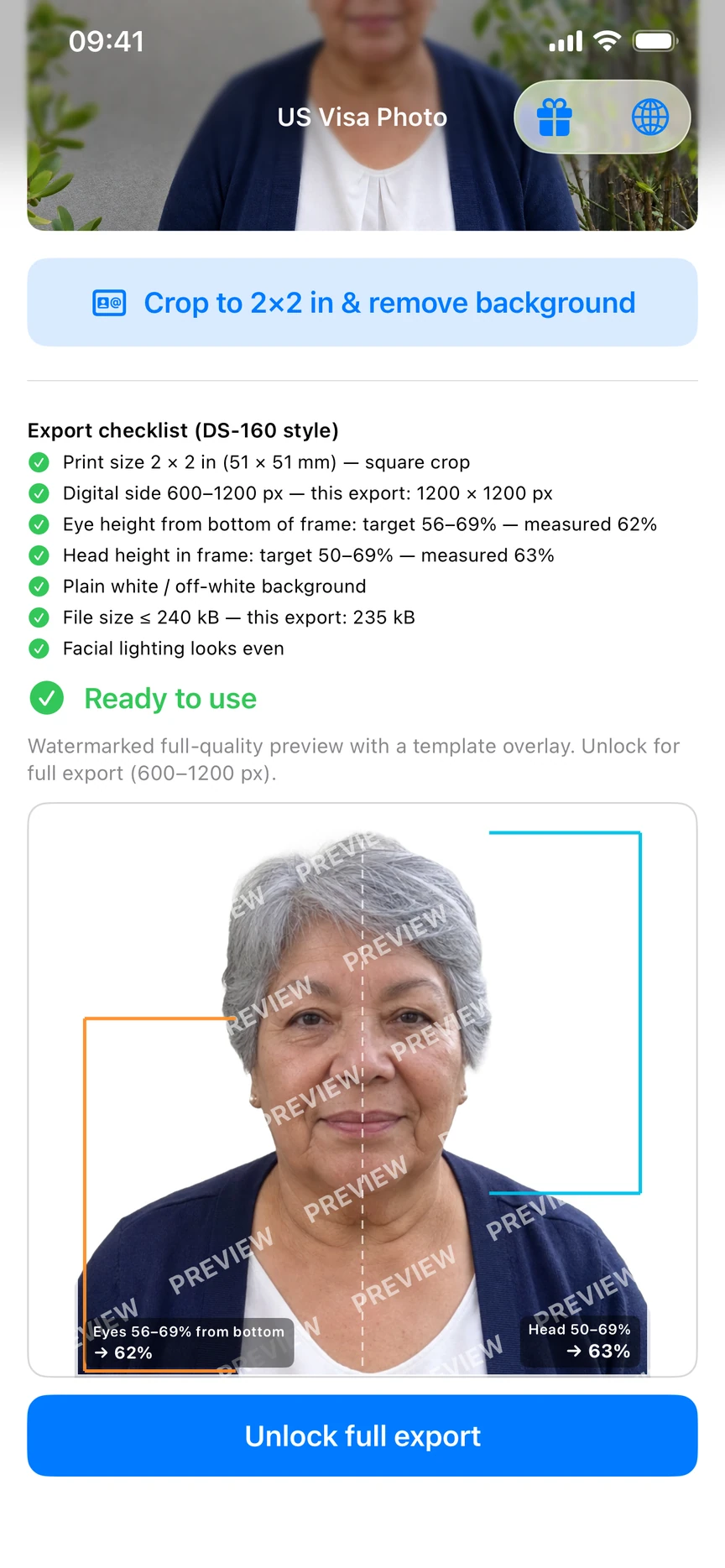
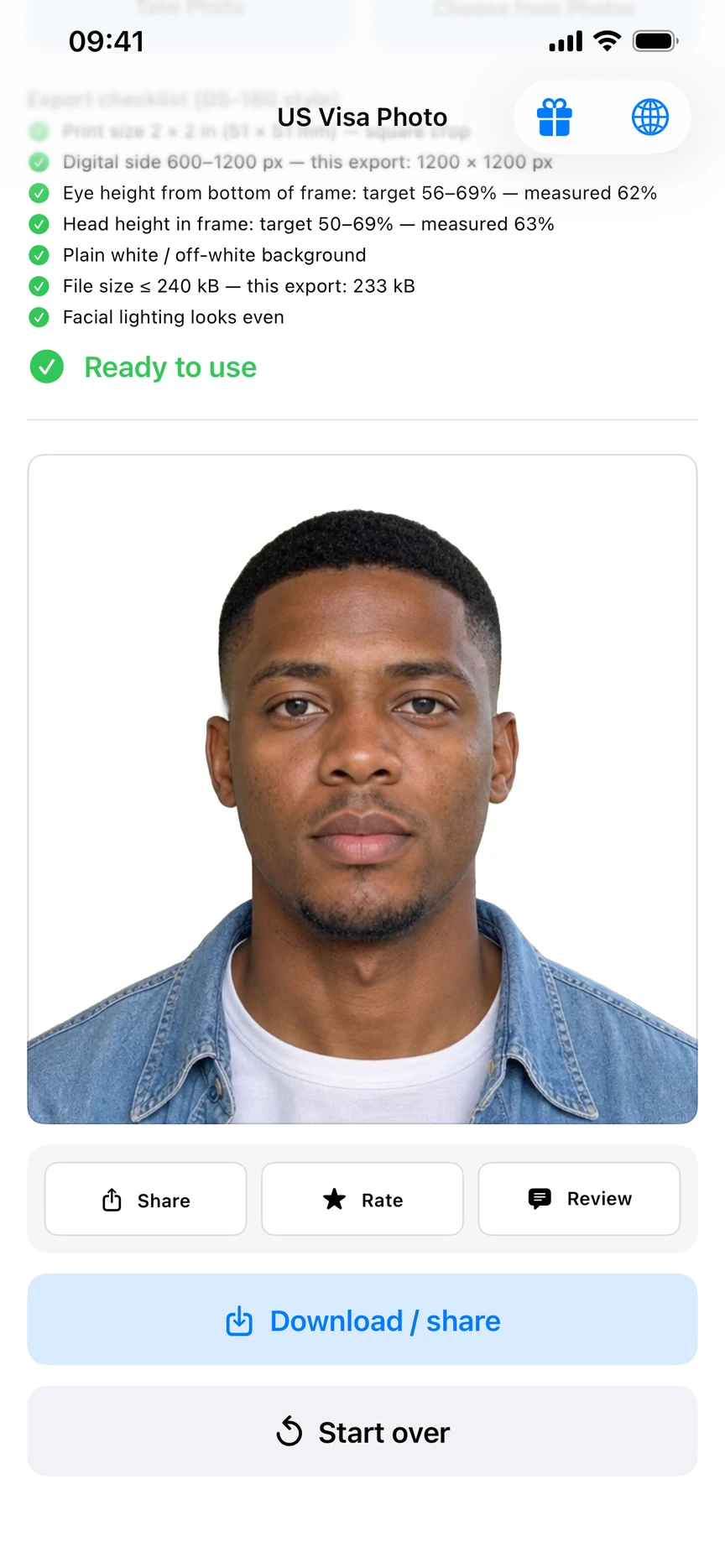
Review pixels, file size, head height, eye position and lighting warnings before you export.
Explore the checksPhotos are processed on your device, with no portrait upload to our servers.
Read the privacy detailsFree processing, preview and retries. Pay for one export when you choose. U.S. store price; no subscription.
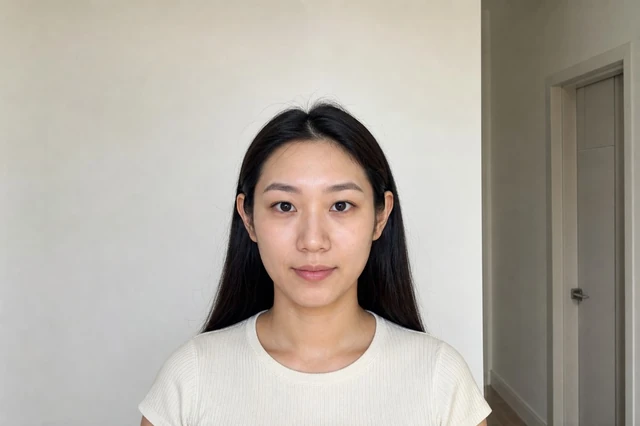
See how pricing worksSquare cropping and a white background, shown with the originals below. Examples from the iPhone app; results vary by photo.




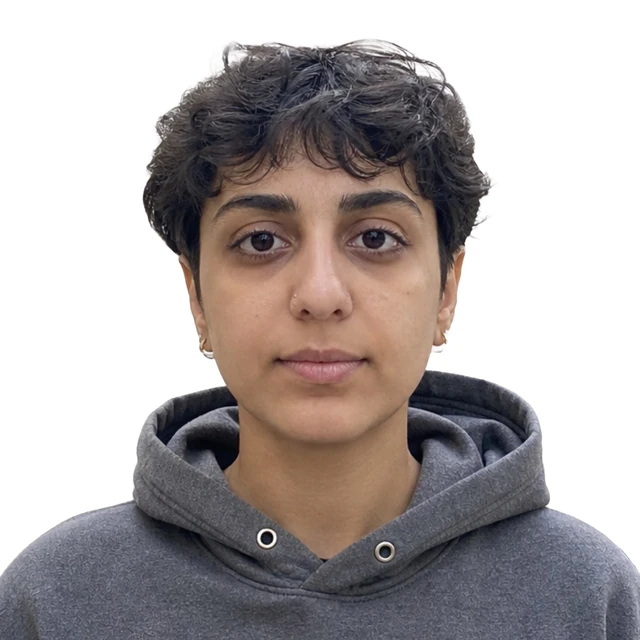

Originals (before) · full aspect

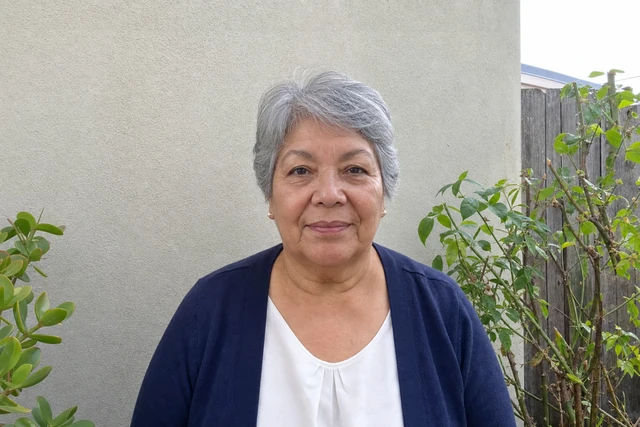

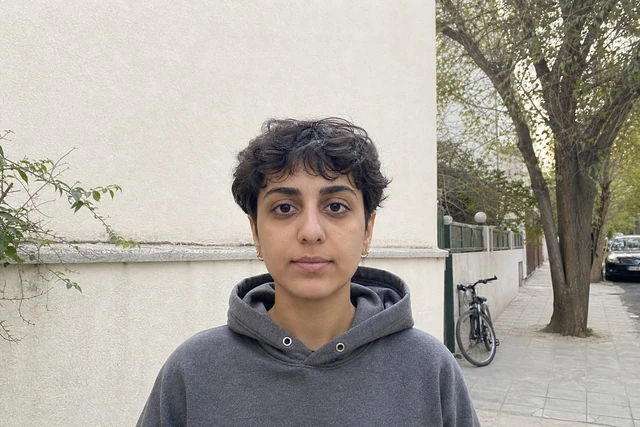
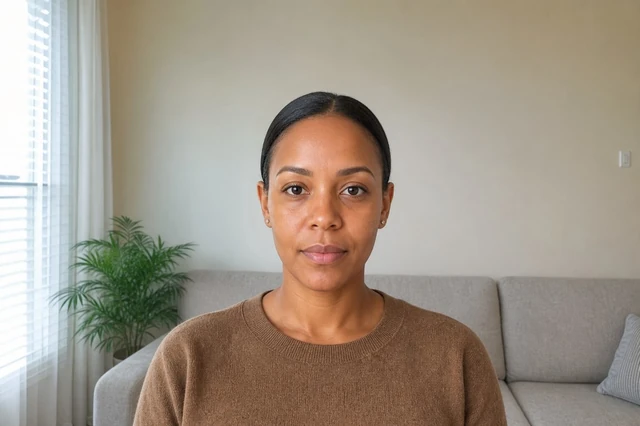
Inside the app
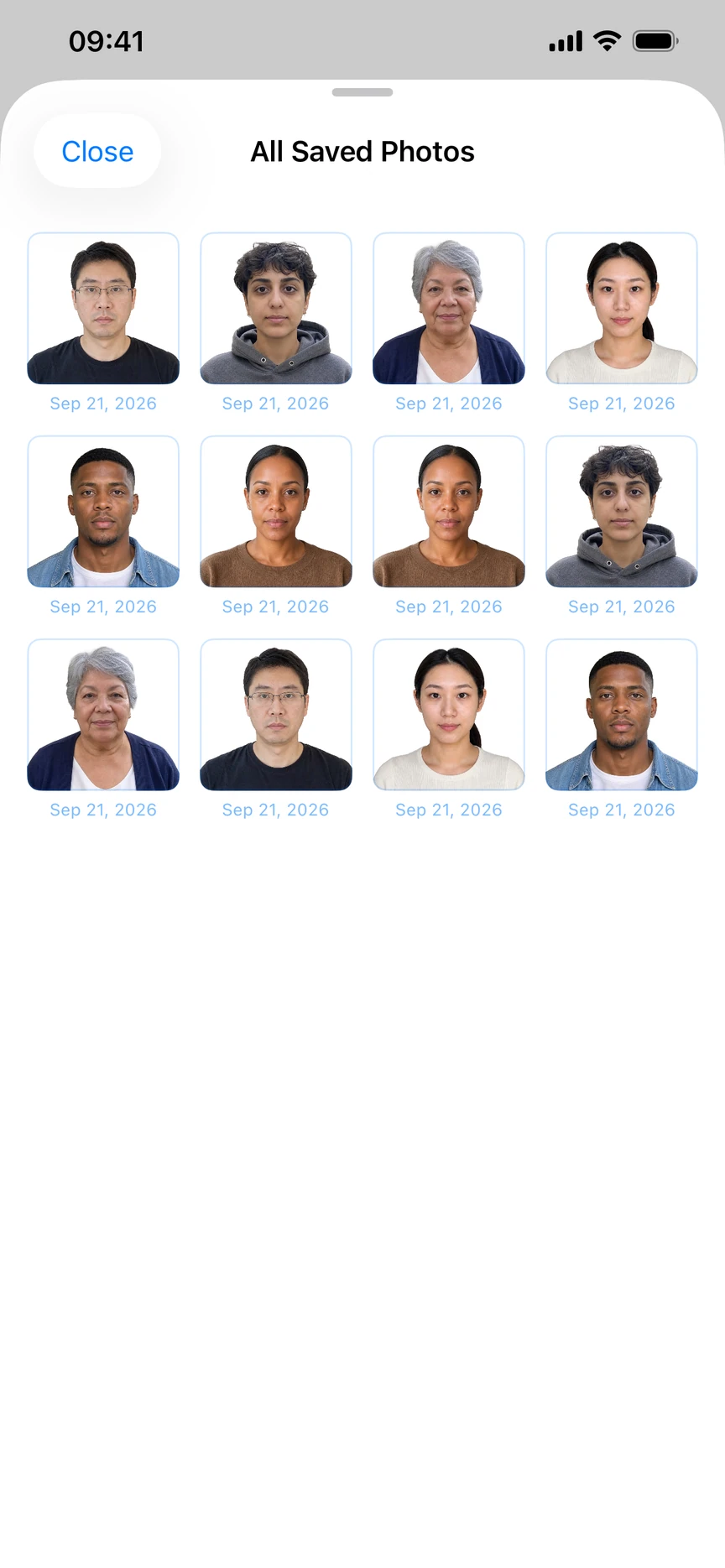
Review the checklist, spot lighting warnings, and keep your exported photos together. Real iPhone app screens. The free preview keeps its watermark; unlocked examples show saved exports.
The app follows your supported device language. You can also switch languages in the app.
Supported languages
Choose a sharp, front-facing original. Get the background and lighting right when taking the photo.
The app crops a square portrait, replaces the background and shows its file and framing checklist.
Preview your photo, then save or share one JPEG at the price shown by your store.
Free processing and preview. No subscription.
Process a photo, inspect the preview and review the app’s checklist. Retry before deciding whether to export.
$1.99
U.S. store pricing. Your store shows the local price.
Photos are processed on your device, with no portrait upload to our servers.
PHOTO GUIDES
Guides from the app developer, with links to official sources.
Review pixels, file size, head height, eye position and lighting warnings before you export.
Check the actual file and original photo, then follow the official instructions for your confirmation page.
See how photos are processed, what is free and how JPEG export works.
BEFORE YOU DOWNLOAD
Yes. Use either store link on any device. The iPhone version needs iOS 17 or later; the Android version needs Android 8.0 or later. Choose your store.
Photo processing, preview and retries are free. Each purchase unlocks one JPEG photo export, with no subscription. The U.S. store price is $1.99 per export on each platform. Your store shows the current local price before purchase.
No. App Store and Google Play purchases and export credits are separate. Purchase on the platform where you will export your photo.
Yes. Portrait processing runs on your device. Android Google SDKs may send usage and performance diagnostics, and each store handles purchase data. See the iPhone policy or Android policy for the full details.

Try the processing. Review the checks. Export a JPEG when you’re ready — $1.99 in U.S. stores, with no subscription.